
Download French Words – Fun French Vocabulary App for Kids
Overview
French Words for Kids is a child‑friendly educational app designed to introduce young learners to the sounds and spellings of 240 everyday French words. The software combines visual cues, native‑speaker audio, and clear English translations to create a safe, engaging environment where children can practice pronunciation, improve spelling, and build confidence in a new language. Every word is spoken by a native French speaker, ensuring authentic pronunciation that helps kids mimic correct intonation from the start.
The app’s bright interface, simple navigation, and short, interactive lessons make it ideal for children aged 4‑10, as well as for parents and teachers seeking a free, secure, and offline‑ready tool for early language exposure. By focusing on common vocabulary—such as colors, numbers, animals, and household items—the program lays a solid foundation for future French studies while keeping the learning experience fun and pressure‑free. Whether you’re downloading the app on a Windows tablet, a macOS laptop, or a mobile device running Android or iOS, French Words delivers a consistent, ad‑free experience that respects privacy and requires no internet connection after the initial install.
Key Features & Learning Experience
- 240 curated French words covering everyday topics.
- Native‑speaker audio for every word to model accurate pronunciation.
- English translations displayed side‑by‑side for instant comprehension.
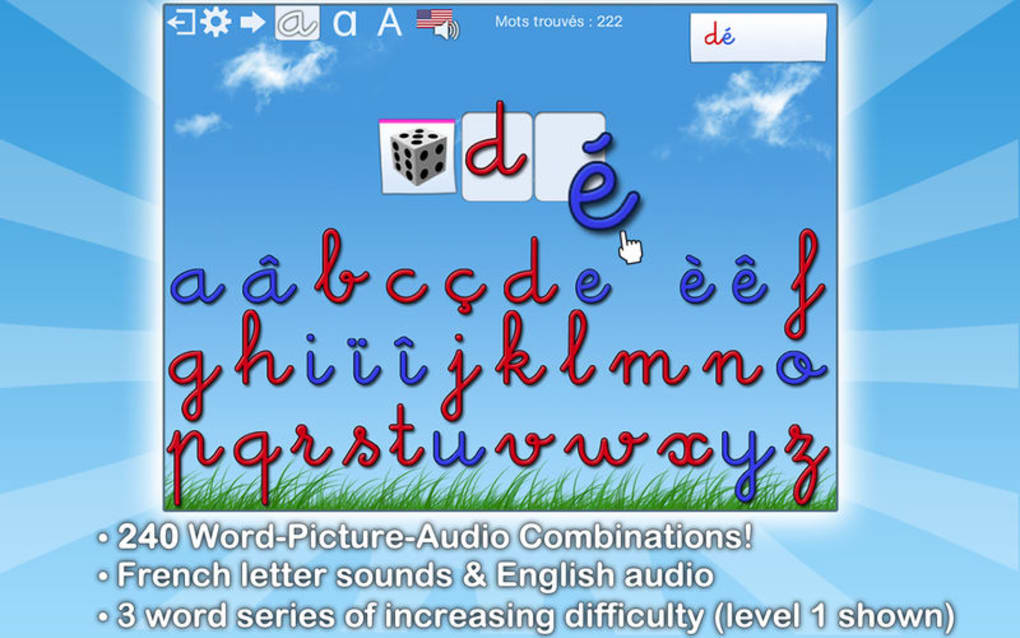
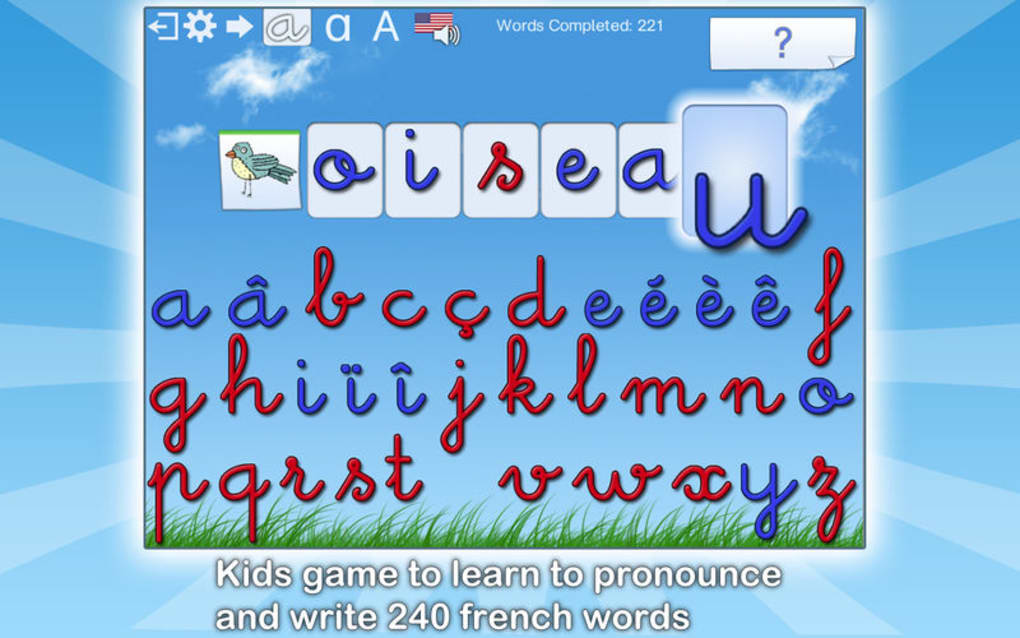
- Interactive “spell‑it‑out” exercises that reinforce writing skills.
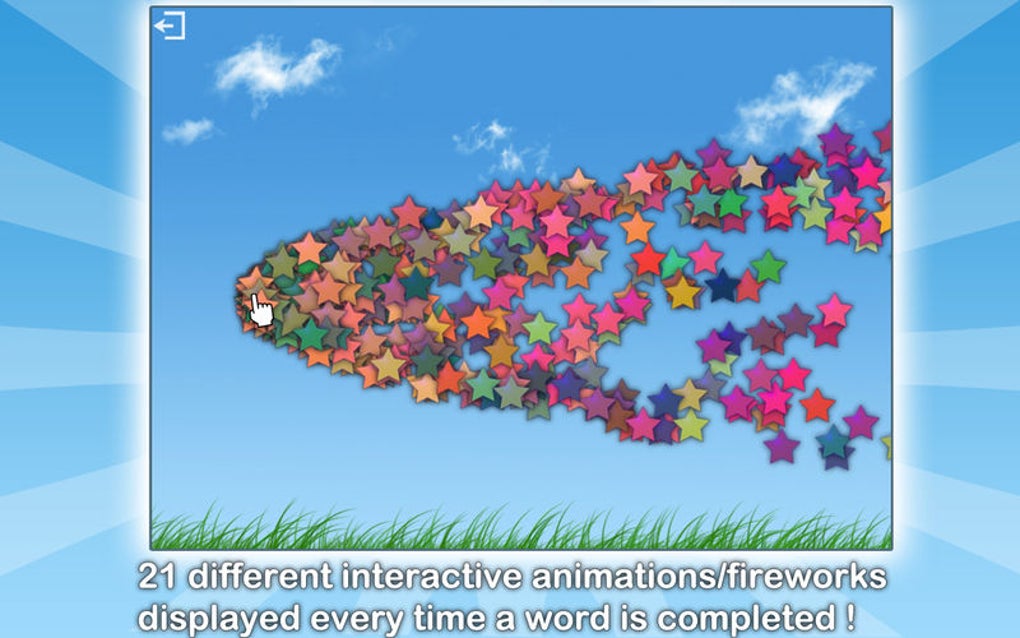
- Kid‑friendly graphics and animations that keep attention focused.
- Progress tracker that awards virtual stickers for each mastered word.
- Offline mode – all content is stored locally after the first download.
- Parental control panel to adjust difficulty and monitor learning time.
- Multi‑platform support: Windows, macOS, Android, and iOS.
- Free core version with optional paid expansions for themed word packs.
The learning journey in French Words is deliberately structured into bite‑size lessons that last no longer than three minutes each. Children begin by tapping a colorful icon that represents the target word. An audio cue immediately pronounces the word, followed by the English translation that appears on the screen.
The next step invites the child to trace the word’s spelling using a finger‑friendly drawing interface, reinforcing muscle memory while teaching correct letter order. After tracing, the app plays the word again, prompting the child to repeat it aloud. This “listen‑trace‑repeat” loop mimics the natural way toddlers acquire language and makes the process feel like a game rather than a classroom drill.
For parents, the built‑in progress tracker offers clear insights: each mastered word is logged, and a simple dashboard shows how many stickers have been earned. The app also adapts to the child’s pace; if a particular word proves challenging, it automatically resurfaces in later sessions, ensuring spaced repetition—a proven technique for long‑term retention. By combining auditory, visual, and kinesthetic learning modalities, French Words delivers a holistic educational experience that aligns with modern pedagogical research while remaining delightfully entertaining.
Installation, Usage & Compatibility
Step‑by‑Step Installation Guide
- Visit the official website or your device’s app store (Google Play, Apple App Store, Microsoft Store).
- Click the Download button labeled “French Words for Kids – Free”.
- If prompted, allow the app to access storage for offline content.
- Once the download completes, open the installer and follow the on‑screen prompts.
- After installation, launch the app and accept the brief privacy agreement (no data is sent to third parties).
- The first launch will download the 240‑word audio library; this requires a short internet connection but is a one‑time operation.
- When the download finishes, you can switch to offline mode and start learning immediately.
How to Use the App Effectively
Begin by selecting a “Category” (e.g., Animals, Numbers, Food). The app will present a carousel of word cards. Tap a card to hear the pronunciation, view the English meaning, and start the tracing activity.
Encourage your child to repeat the word aloud after each audio cue; the app’s built‑in microphone can optionally provide feedback on pronunciation accuracy. Use the “Sticker Board” to celebrate milestones and keep motivation high. For teachers, the “Classroom Mode” lets you create a custom playlist of words tailored to your lesson plan.
Supported Operating Systems
French Words is compatible with the following platforms:
- Windows 10 and later (64‑bit)
- macOS 10.13 (High Sierra) and later
- Android 6.0 (Marshmallow) and above
- iOS 12.0 and later (iPhone, iPad, iPod Touch)
The app automatically adjusts its interface to match the device’s screen resolution, ensuring crisp graphics on tablets, laptops, and smartphones alike. Regular updates are released quarterly to improve performance, add new word packs, and maintain compatibility with the latest OS releases, all of which can be downloaded directly through the built‑in update manager.
Pros and Cons
What Parents and Educators Love
- Completely free core version with no intrusive ads.
- High‑quality native‑speaker audio that models authentic French pronunciation.
- Offline functionality after the initial download, perfect for travel or low‑bandwidth environments.
- Simple, colorful UI that is intuitive for young children.
- Progress tracking and reward system that keeps learners motivated.
- Cross‑platform support ensures a seamless experience across devices.
Areas for Improvement
- Limited to 240 words in the free version; expanded vocab packs require a purchase.
- No built‑in speech‑recognition scoring; pronunciation feedback is manual.
- While the app is lightweight, the initial audio download can be several megabytes.
- Lacks a multiplayer or collaborative mode for classroom group activities.
- Some parents report that the “parental control” settings could be more granular.
Frequently Asked Questions
Is French Words safe for children to use without supervision?
Yes. The app contains no ads, no in‑app purchases in the free version, and no data collection beyond basic usage statistics stored locally. All content is curated for a child audience, and parental controls let you limit session length.
Can I download additional French word packs?
Absolutely. Premium word packs covering themes like “Travel”, “Sports”, and “Science” are available for a small fee through the in‑app store. These packs expand the vocabulary while maintaining the same interactive format.
Does the app work on older devices?
The minimum requirements are Windows 10 (64‑bit), macOS 10.13, Android 6.0, or iOS 12. Older operating systems may experience performance issues or be unsupported.
How is the child’s progress saved?
Progress is stored locally on the device and synced to the cloud only if the user enables the optional backup feature. This ensures that learning data remains private unless you choose to share it.
Is there a way to test my child’s pronunciation?
While the free version does not include automatic speech analysis, the app encourages parents to listen and provide feedback. The upcoming premium version will introduce basic voice‑recognition scoring.
Overall Rating: 4.5 out of 5 stars
Conclusion & Call to Action
French Words for Kids stands out as a secure, engaging, and pedagogically sound tool for introducing young learners to the French language. Its combination of native‑speaker audio, interactive tracing, and a reward‑based progress system makes it an excellent supplement to classroom instruction or home homeschooling. While the free version provides a generous amount of content, families looking for deeper immersion can easily expand their library with affordable premium packs. The app’s cross‑platform availability ensures that whether you’re on a Windows tablet at the kitchen table or an iPad on a family vacation, learning never stops.
If you’re ready to give your child a head start on French vocabulary, download French Words today and watch confidence grow with every new word. The installation process is quick, the interface is kid‑approved, and the learning experience is both fun and effective. Start the journey now—your child’s first French word is just a tap away!







